
How to Use X Spaces (Formerly Twitter Spaces): A Current Guide
 Revive.Social Editorial
 X Spaces (formerly Twitter Spaces) are still available. A host starts or schedules a public live-audio room from the iOS or Android app, while listeners can join from mobile or the web. That split matters when you invite guests or plan a business event.
This guide explains the current roles, limits, recording choices, and moderation tools on X. It also helps you decide whether live audio fits the job, since a Space does not guarantee attendance, accessibility, or a useful conversation. 🎙️
What are X Spaces?
An X Space is a public audio conversation hosted inside X. People can listen, the host can grant speaking access, and co-hosts can help manage the room. The format suits interviews, office hours, event commentary, product education, and focused community discussions.
Spaces are public, so anyone may be able to listen and share the link. Treat everything said as public communication, even when the audience feels small. Do not use a Space for confidential support, private customer details, unreleased information, or a conversation that requires controlled attendance. 🌐
The host controls the topic and speaking permissions, but not the outcome. Listeners may leave, ask unexpected questions, or share the discussion elsewhere. A clear title, prepared speakers, and active moderation improve the event, but they cannot promise reach or positive reactions.
Where X Spaces work today
Hosting starts in the X app for iOS or Android. People can listen on the web, which makes it easier to invite someone who does not plan to speak. Explain this distinction in the invitation so a desktop guest does not expect host controls that are only available in the mobile app.
X currently documents a maximum of 13 people speaking at once, including the host and up to two co-hosts, with no stated listener limit. A host can schedule a Space up to 30 days ahead and have as many as 10 scheduled Spaces at a time.[1] Recheck those limits immediately before a major event because platform features can change. 📅
A public room is not the same as a webinar registration page. You cannot assume that every listener has accepted separate event terms or supplied contact information. If consent, attendance records, or controlled access are essential, use a format designed for those requirements.
How to start and schedule a Space
1. Define one useful topic
Write a title that tells listeners what they will understand by the end. “Ask a tax preparer about first-year freelancing” is more useful than “Join our amazing live chat.” Give the moderator a one-sentence scope and a short list of subjects that are outside the session.
2. Choose live or scheduled
In the mobile app, open the composer and choose Spaces. You can start immediately or use the scheduling controls for a later date. For a planned event, scheduling creates time to brief speakers, publish the link, and test the host’s device and connection. 🔧
Before starting, decide whether to enable recording. That choice affects what listeners should be told and what follow-up material will exist. Do not wait until the conversation is underway to decide whether a public replay fits the subject.
3. Share the Space
X lets you share a Space through a post, a Direct Message, or a copied link. Use the channel that matches the audience and include the date, time zone, topic, speakers, expected length, and recording status. A reminder without a clear reason to attend creates noise rather than interest.
Brief speakers separately. Confirm how they will join, who may promote a product, which claims need evidence, and what happens if they lose their connection. Ask them to use headphones and a quiet room, then hold a short audio check before the event. 🎧
4. Build a simple run of show
Divide the planned duration into an opening, the main conversation, audience questions, and a close. Give each segment an owner and a time cue. A 45-minute Space might use five minutes for context, 20 for the guest discussion, 15 for questions, and five for a recap and next step.
Prepare two backup questions in case the audience is quiet and a short version of the close in case the room runs long. The schedule is a guide, not a script, but it prevents introductions and promotion from consuming the time promised for useful discussion. ⏱️
Write down any claim that needs a link or correction after the event. Live audio rewards speed, while accurate follow-up requires a record. A note-taker can capture timestamps, speaker names, and unresolved points without interrupting the host.
How to invite speakers and manage the room
The host can invite people to speak and approve listener requests. Co-hosts can help manage participants, which is useful when the main host is interviewing a guest or presenting. Keep one person focused on the conversation and another focused on the queue and safety.
Open with the topic, the expected duration, and the participation rules. Introduce each speaker briefly, then move into the first substantive question. If audience questions are welcome, say when requests will be reviewed and whether every request can be accepted. 🧭
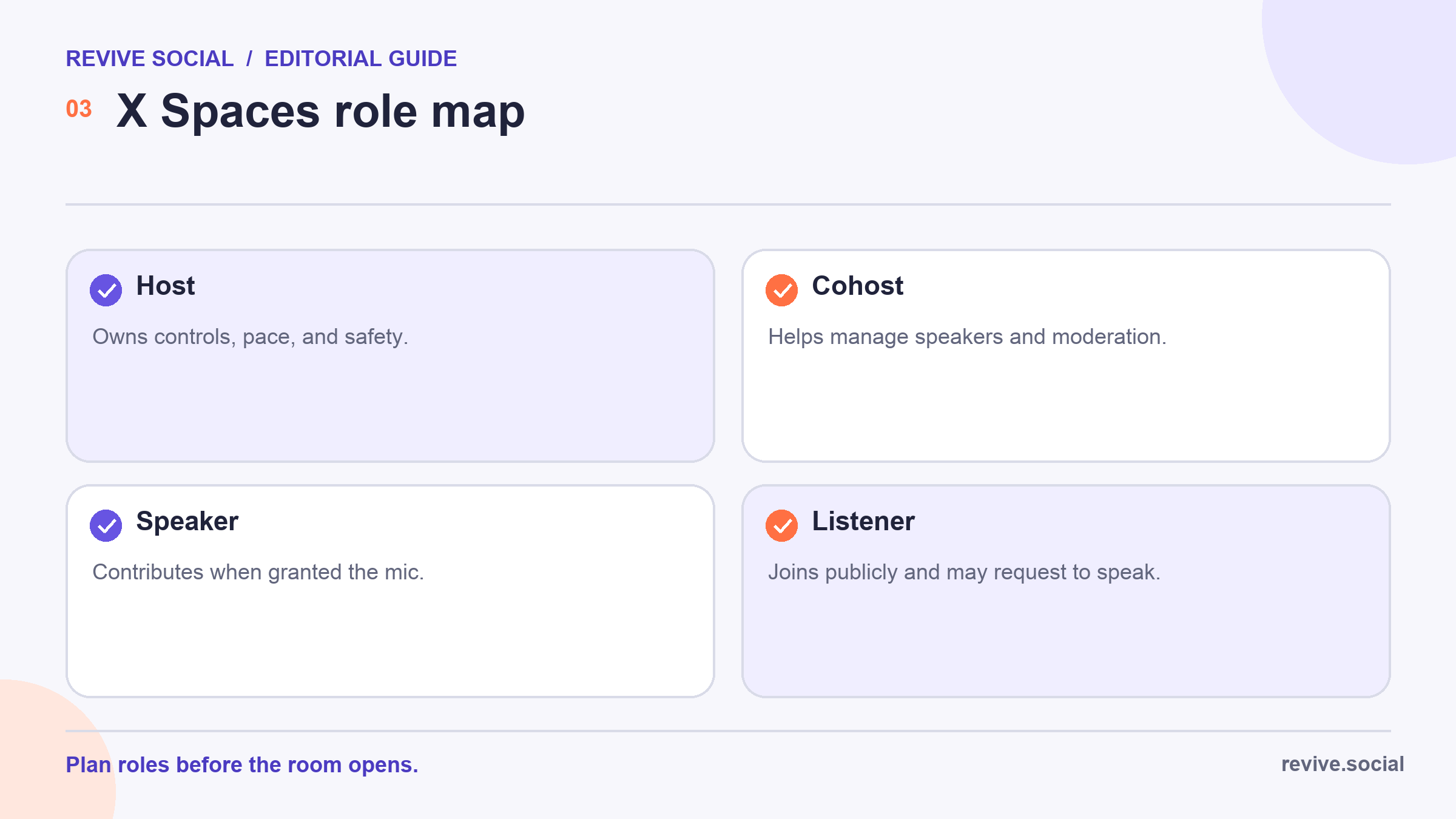
- Host: Own the format, final controls, pace, and recording choice.
- Co-host: Help manage speakers, requests, and disruptive behavior.
- Speaker: Contribute when granted the microphone and follow the room’s scope.
- Listener: Join publicly and request to speak when the host allows it.
Use X’s remove, block, and report tools when someone is abusive, impersonating another person, disclosing private information, or repeatedly disrupting the room. Moderation is not a debate prize. Protect the conversation, document serious incidents, and end the Space if the team cannot manage the risk safely.
Plan a response for common disruptions before they happen. If a speaker talks over others, mute or remove speaking access and explain the turn-taking rule. If a question includes private data, stop it and ask for a general version. If a guest makes an unsupported accusation, do not turn the room into an improvised investigation. 🛡️
Co-hosts should know which decisions they can make without waiting for the host. Agree on cues for time, audio problems, repeated self-promotion, and ending the event. A moderator who lacks authority cannot protect the room when the main host is speaking.
Keep the speaker queue smaller than the technical maximum when the topic needs depth. Thirteen simultaneous speaking roles are possible, but a crowded panel can leave no room for clear answers. Use the cap as a safety boundary, not a target.
Leave room for uncertainty. A guest may need to correct an answer or say that they do not know. That is better than inventing a confident response during a public recording. Assign someone to collect promised sources and corrections for the recap. 📝
Recording, replay, Clips, and accessibility limits
The host must enable recording before starting. When a recorded Space ends, the replay is public until the creator deletes it. The creator can download the recording while X retains it. Tell speakers and listeners that the session is being recorded and consider whether local consent rules require more.
X describes Clips as a limited-rollout feature that creates 30-second excerpts from recorded Spaces. Do not make a Clips campaign central to the plan unless the control is present in the host account. A missing feature is a platform condition, not a troubleshooting failure. ✂️
X Help currently says captions are not available for Spaces. That is a meaningful accessibility limitation. Provide an accessible written summary, key points, and links after the event, and choose another live format if real-time captions are essential for the intended audience.
An accessibility plan can also include a plain-language event description, a way to submit questions in writing, speaker names in the follow-up, image descriptions for promotional graphics, and a corrected transcript or structured summary where practical. Do not describe the event as accessible merely because a replay exists.
Ask invited speakers what they need before locking the format. If someone requires captions or a visual communication channel, moving the conversation to a suitable platform is a better solution than asking them to work around the limitation. ♿
Recordings also need maintenance. Decide how long the replay should stay public, who can request a correction, and where the durable summary will live. A raw audio file without context, transcript, or ownership can become difficult to use later. 🗂️
Business formats that fit X Spaces
Live audio works best when the conversation itself has value: an expert Q&A, a focused interview, a live debrief after an industry event, or office hours with a knowledgeable team member. It is weaker when the content depends on demonstrations, precise visuals, confidential questions, or a tightly edited message.
Set one testable objective. For example, the goal might be to collect five recurring questions for a documentation update, not to “go viral.” Track useful questions, replay use, follow-up visits to a referenced resource, and feedback from speakers. Do not turn listeners into leads without a clear, consent-aware next step. 📊
Write the decision threshold before the room opens. The team might repeat the format only if the intended audience contributes enough substantive questions to improve a specific resource, or if the replay and recap continue to answer support needs. A listener total by itself does not show that the event solved the intended problem.
Not every business needs live audio. A written article may be more searchable and accessible, a video may explain a visual process better, and a private meeting may suit customer research. Choose Spaces when public, conversational audio is the advantage rather than the novelty.
X Spaces pre-flight checklist and follow-up
- Confirm the topic, host, up to two co-hosts, and planned speakers.
- Check the mobile app, microphone, headphones, connection, and backup device.
- Decide on recording before the Space starts and tell participants clearly.
- Prepare an opening, speaker order, question queue, moderation rules, and end time.
- Assign a person to capture corrections, sources, and follow-up actions.
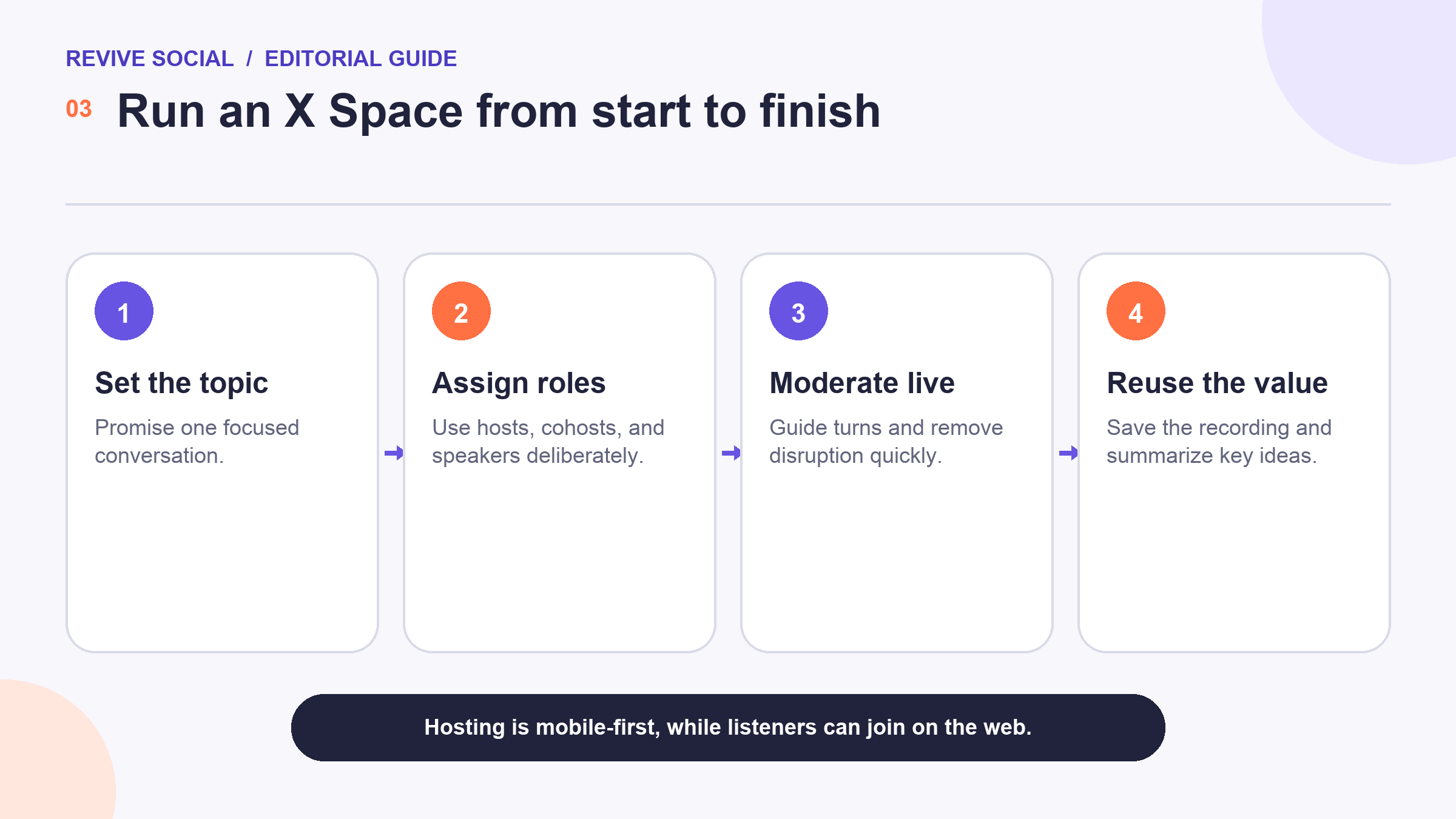
After the session, review the recording, publish corrections, summarize the durable lessons, and decide whether another Space is justified. A useful WordPress announcement or recap can then be distributed to supported accounts with Revive Social.[2] The plugin does not create, moderate, record, or schedule a Space, and distribution does not guarantee attendance. 🔁
For the next event, change one variable based on what happened: the topic, duration, speaker mix, question process, or follow-up format. A smaller, well-run conversation that produces useful knowledge is a better result than a crowded room with no clear outcome.
Archive the event link, host and speaker list, recording decision, source notes, corrections, and final recap together. This record makes the next pre-flight faster and reduces the chance that an old X limit is copied forward as current guidance.
References

